Installing on Synology NAS via Package Center
To automatically install a NAKIVO Backup & Replication application on a Synology NAS, do the following:
-
Log in to your Synology account and open Package Center in the management interface.
-
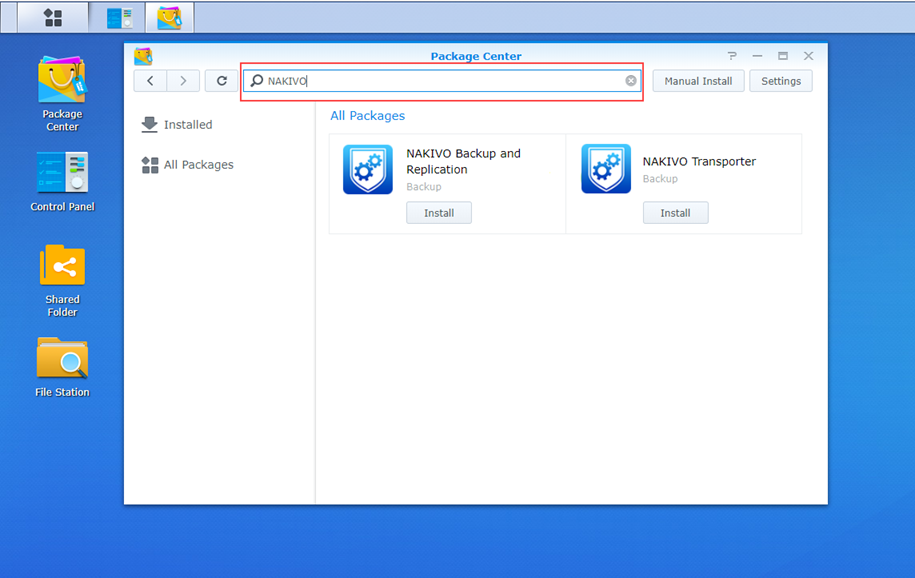
Use the search box to find NAKIVO Backup & Replication packages.
-
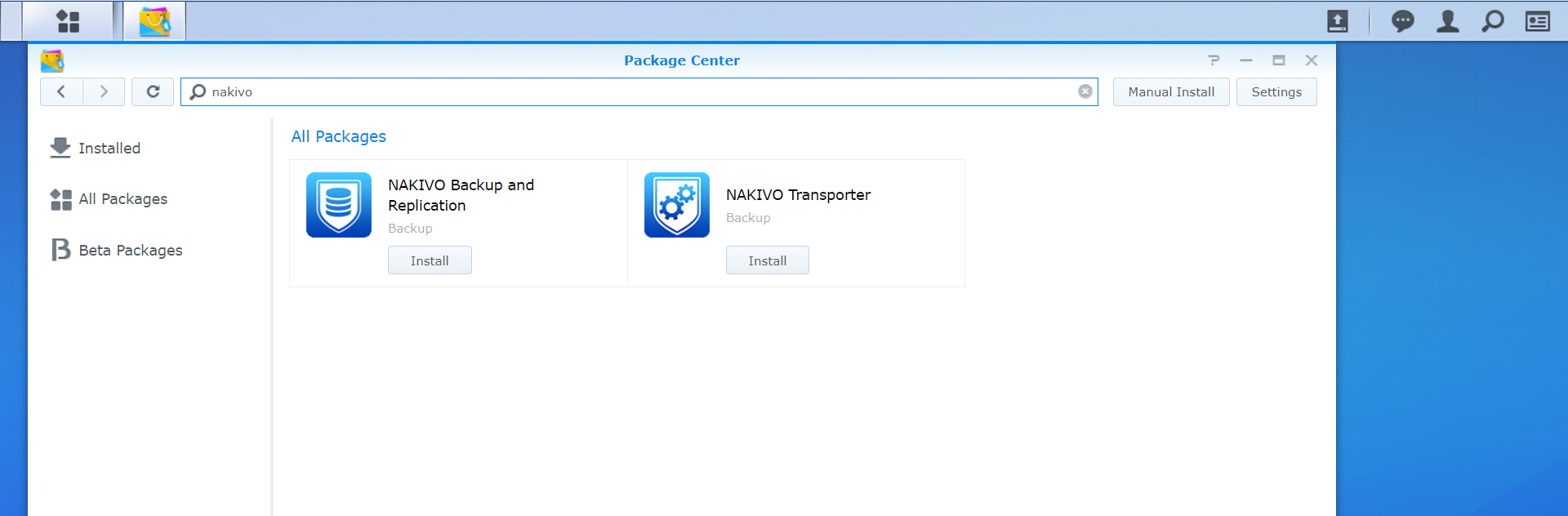
Click Install on one of the following:
-
NAKIVO Backup and Replication to install all product components.
-
NAKIVO Transporter to install a Transporter only.
-
-
Select the I accept the terms of the license agreement checkbox and click Next.
-
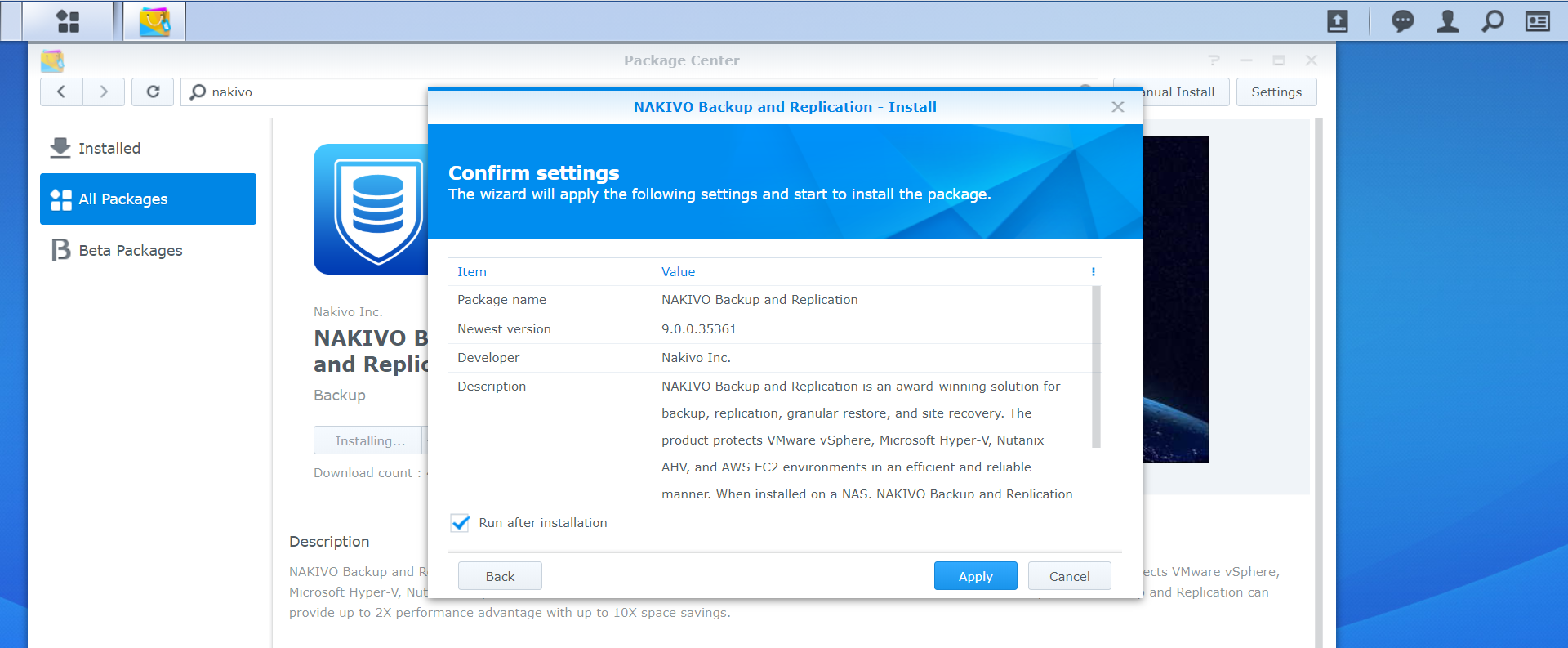
In the Confirm settings dialog box, click Apply.


Refer to Getting Started to better understand how to continue working with NAKIVO Backup & Replication.