Installing on QNAP NAS via QNAP Store
Check to see if your NAS model is supported before you begin installing NAKIVO Backup & Replication on a QNAP NAS.
To install NAKIVO Backup & Replication take the following steps:
-
Open the QNAP Desktop in your browser by entering the IP address of your QNAP NAS.
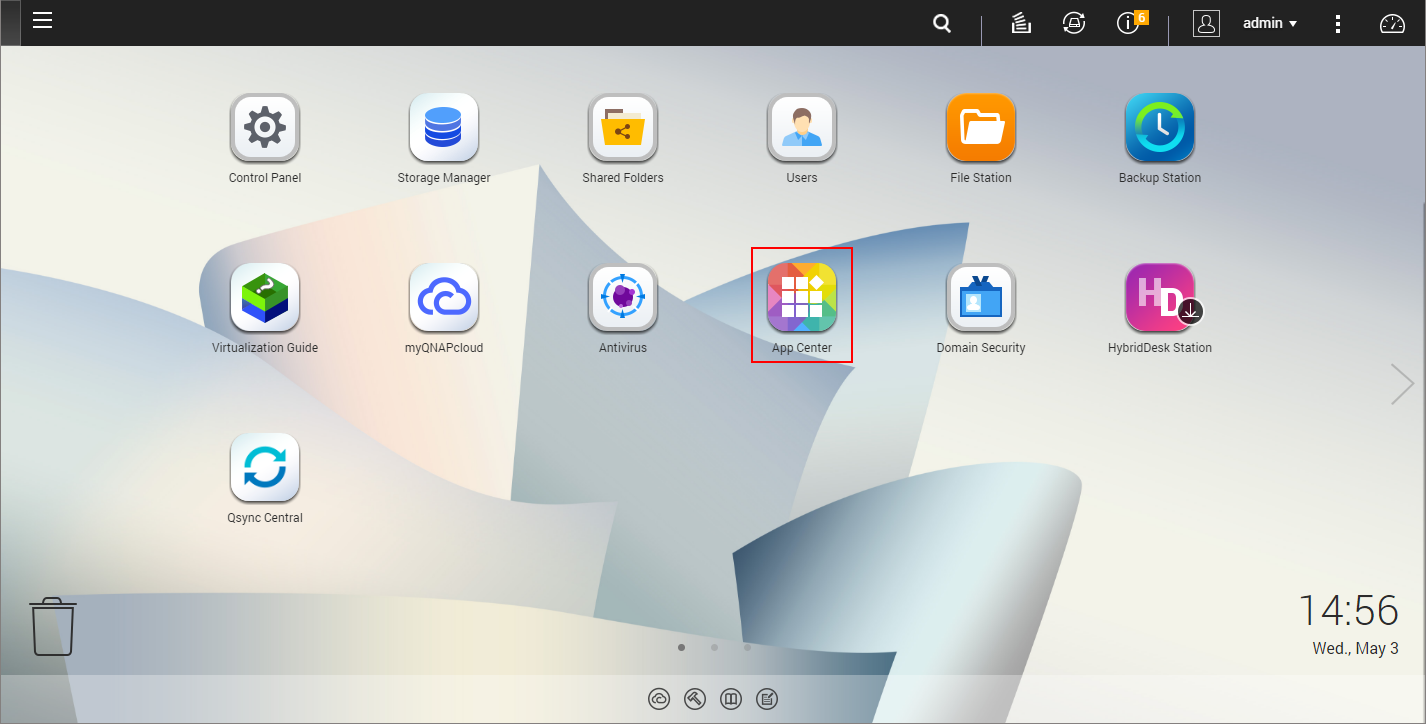
- Go to App Center.
-
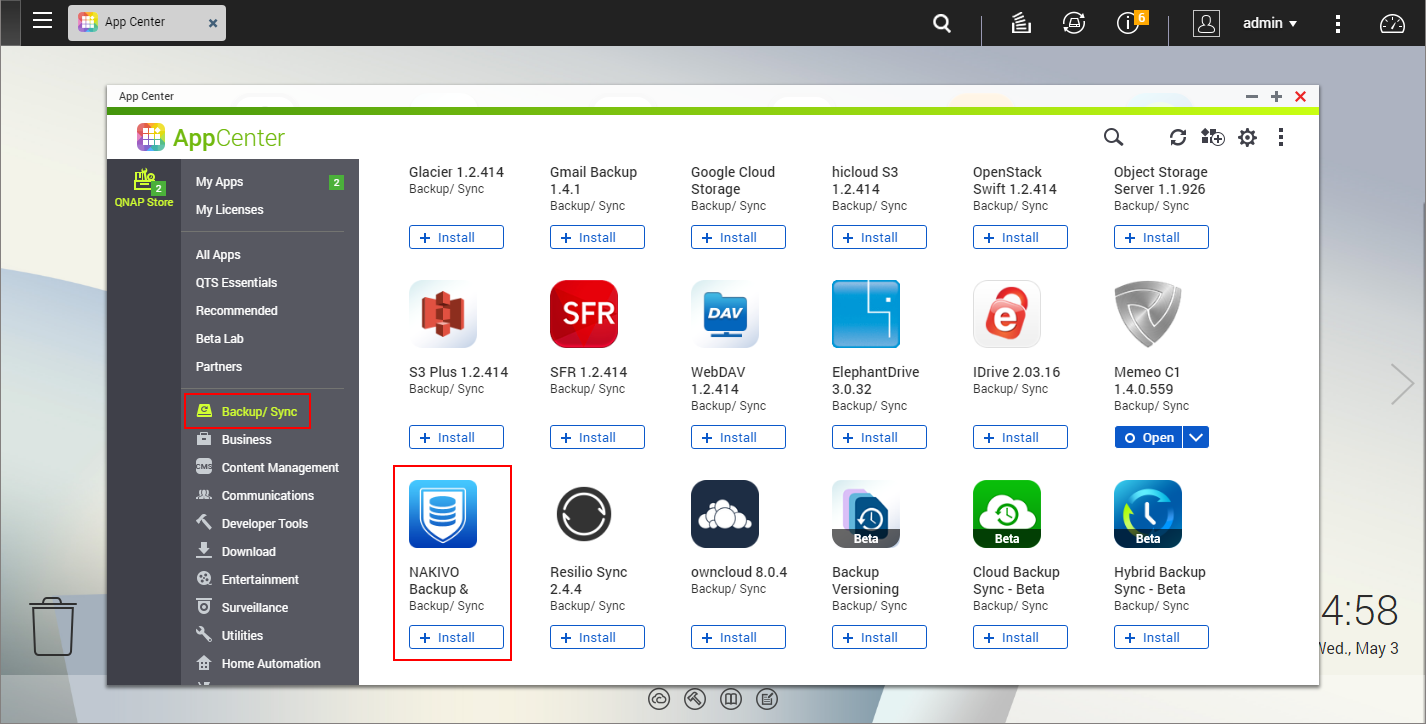
Select the Backup/Sync category and locate NAKIVO Backup & Replication. Alternatively, you can use the search bar at the top of the App Center window. Click on the magnifying glass icon and enter 'Nakivo'.
-
Click Install.
-
Wait till the installation is completed.


By default, NAKIVO Backup & Replication interface is available by the IP address of your QNAP NAS on the port 4443: https://<IP_address_of_QNAP_NAS>:4443.
Refer to Getting Started to know how to continue working with NAKIVO Backup & Replication.