Configuring Tape Settings
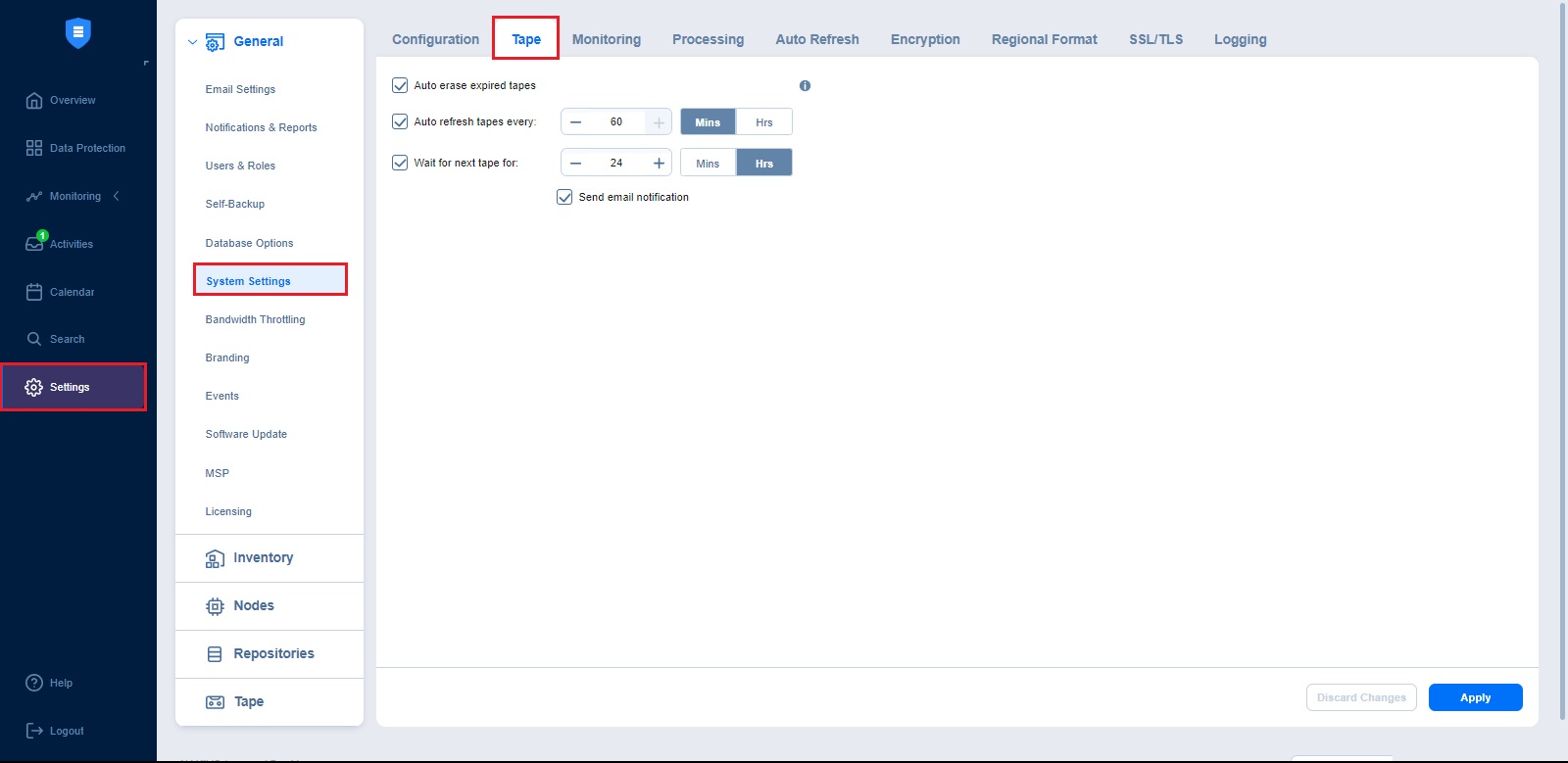
In this section, you can control how NAKIVO Backup & Replication manages tape media throughout its lifecycle. Using these settings, you can automate the erasure of expired tapes, schedule how often tape contents are refreshed, and define how the system behaves when the required tape is not available. Set the following options:
-
Auto erase expired tapes: When this option is selected, expired tapes are erased automatically.
Important
When this option is selected, the following prerequisites must be met for a cartridge to be erased:
-
All recovery points within the tape cartridge have expired.
-
There are no dependent recovery points on other tape cartridges.
-
The product keeps at least one full chain of recovery points.
-
-
Auto refresh tapes every: Select how often the contents of the tapes are refreshed in minutes or hours. Deselect if refreshing is not required.
-
Wait for next tape for: Specify how long the system should wait for the next tape if there is no appropriate amount. Select the Send email notification checkbox to receive email notifications.