Configuring Encryption Settings
In this section, you can control how encryption keys and passwords are managed for protected data. These options allow you to strengthen security, centralize key management, and protect sensitive encryption data while respecting tenant isolation in multi-tenant deployments.
Set the following options:
-
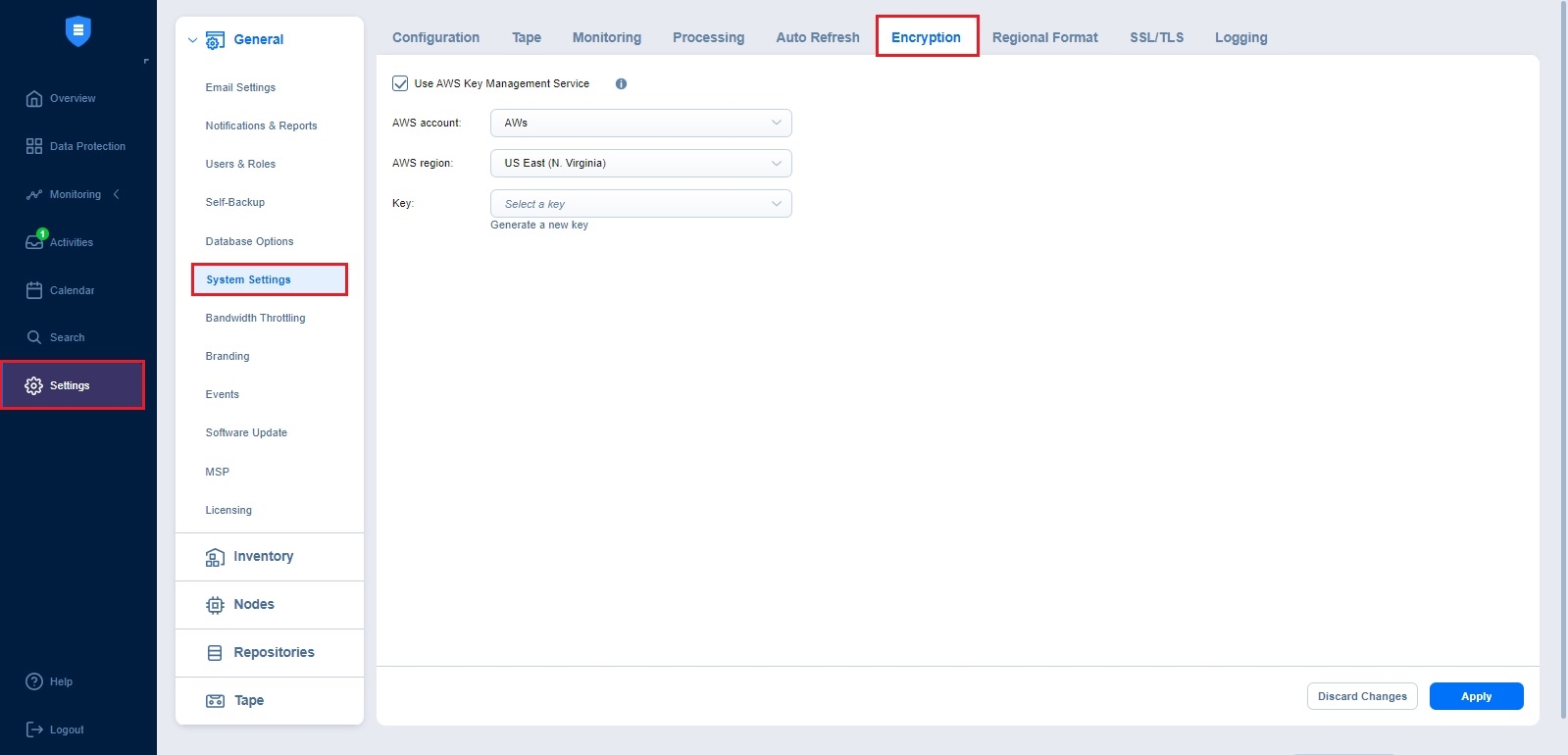
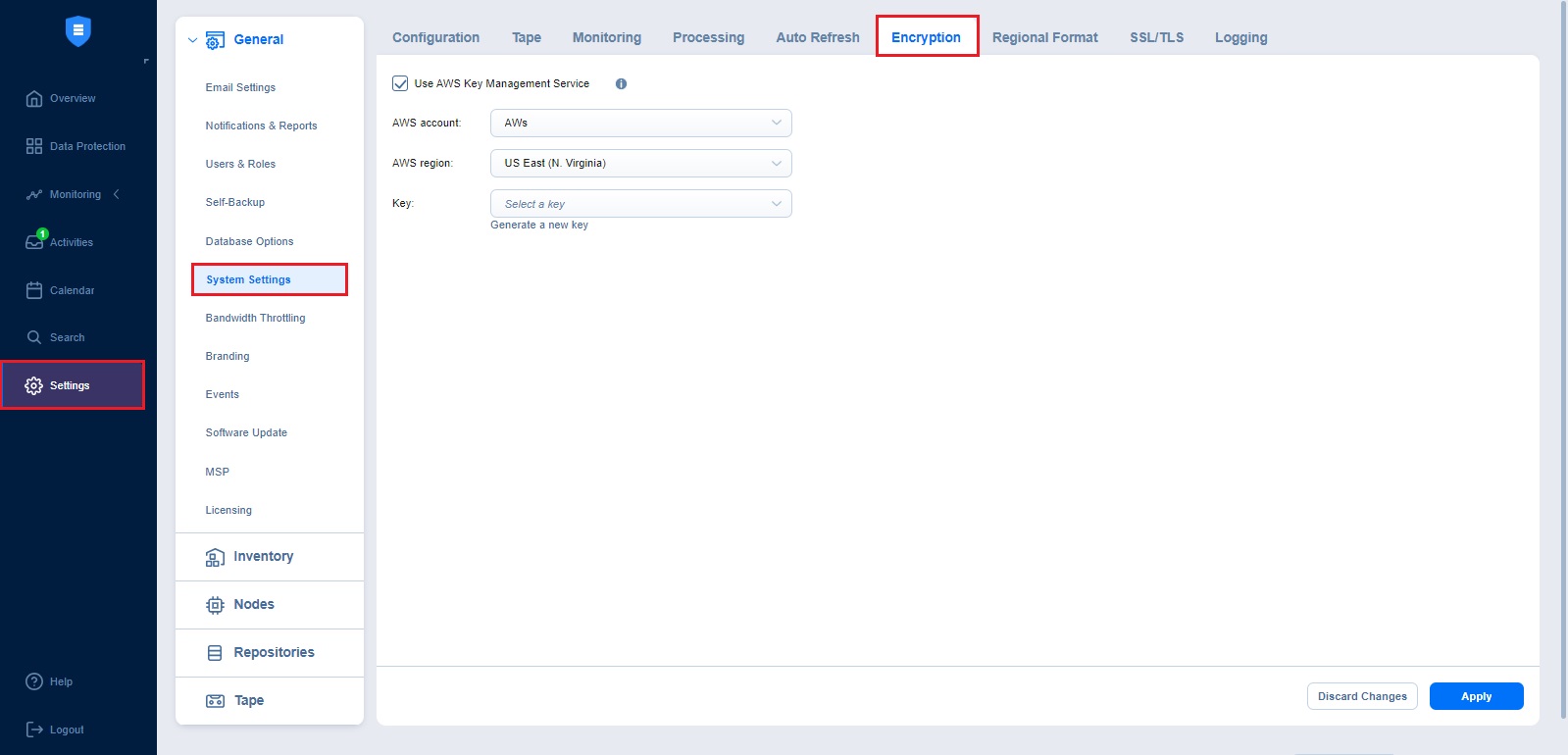
Use (AWS) Key Management Service: If enabled, all backup encryption passwords encrypted with the Key Management Service cryptographic key are available for recovery in case of product re-installation.
You can select an existing symmetric cryptographic key or create a new one.
For more details, refer to Managing Backup Encryption.
Notes
The Encryption tab is displayed at the Tenant level and in single tenant mode and is hidden at the Master level.
The passwords are not propagated from one tenant to another.
In case encryption is set for a job, the password hash is generated based on the configured password.
The password hash gets encrypted with the KMS cryptographic key and is saved in the recovery point metadata.
The AWS Key Management Service is not applied to self-backup and system configuration encryption. For more details, refer to Self-Backup Encryption and System Migration.